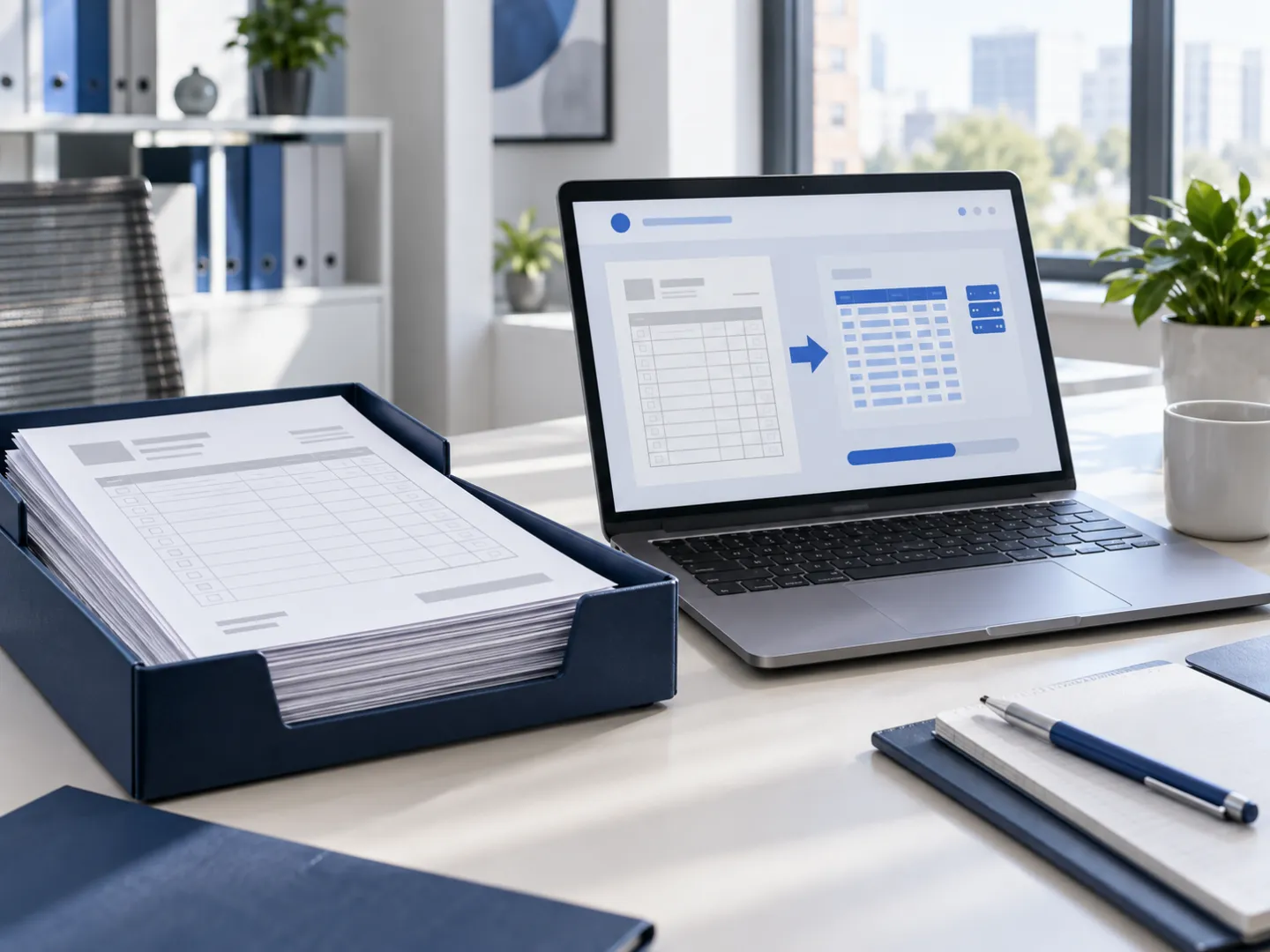
Classic automation tools are excellent at moving clean data from one app to another. Real business processes are not that clean: purchase orders arrive as PDFs in a dozen layouts, customer emails mix three requests in one paragraph, and someone has to decide what an ambiguous line means. That is where most automation projects stall, and where AI agents, with a human checkpoint, take over.
What does business process automation do?
Business process automation uses software to carry out repetitive, rule-based steps of a business process, such as data entry, document routing, approvals and notifications, without a person doing them by hand. With AI, it extends to steps that used to need a human reader: extracting data from unstructured documents, classifying requests and drafting responses.
Where no-code tools stop and AI agents take over
| Situation | Zapier, Make, n8n | AI agent with human checkpoint |
|---|---|---|
| Structured data between two apps with APIs | Ideal | Unnecessary |
| PDFs or scans in many layouts | Breaks on each new layout | Reads them, flags low-confidence fields |
| Free-text emails with several requests | Keyword rules, brittle | Classifies, extracts, drafts a reply |
| A decision that needs context | Not possible | Proposes, a person approves |
| An ERP or legacy system without a modern API | Limited | Generates the import file or uses the system's own import |
We use no-code tools when they are enough. We build agents for the parts they cannot handle, and we keep the two working together.
Real example: customer purchase orders to ERP import
A French manufacturer and distributor of tableware and cutlery received customer purchase orders as PDF files, in as many layouts as it had customers. The sales-admin team re-typed each order into the company's ERP.
We built a small web application for that team: they drop one or several PDFs, and the tool produces the ERP's import file, ready to load. Behind it, the extraction runs as a cascade:
- Dedicated parsers with no AI for the most frequent customer layouts: fast, free and exact.
- OCR for other documents, to turn them into reliable text.
- A language model as a fallback to map the remaining layouts onto the ERP's columns.
Known layout
A dedicated parser, no AI, exact and free.
Other documents
OCR turns the PDF into reliable text.
Fallback
A language model maps fields to the ERP columns.
Import
The team checks and loads the ERP file.
The team keeps control: they can adjust the order number, handle drop-shipping cases, and the file is imported by a person. Uploaded documents are deleted automatically. The tool has been in production since January 2026, on a server inside the company's own network.
What are some examples of business process automation?
Common examples are order entry, invoice processing, employee onboarding, customer request routing and recurring reporting. Below are examples by function, marked as built (in production with us) or typical (projects we scope regularly).
| Function | Example | Status |
|---|---|---|
| Order administration | Customer PDF purchase orders converted to an ERP import file | Built, in production for a client |
| Finance | Bank transactions matched to invoices, proposed for human validation, never validated automatically | Built, in our own ERP |
| Sales | Daily briefing on upcoming prospect meetings and reminders sent before each meeting | Built, in our own operations |
| Operations | Weekly business review compiled from CRM, invoicing and calendar data | Built, in our own operations |
| Sales | Lead follow-up drafted in the CRM, sent after approval | Typical; see sales operations |
| Support | Incoming requests classified, answered from the knowledge base or escalated | Typical |
What are business process automation solutions?
Business process automation solutions range from workflow tools (Zapier, Make, n8n, Power Automate) and RPA platforms to custom AI agents and custom software. The right one depends on how structured your data is, how many systems are involved and how much judgment each step needs.
Who are the top RPA providers?
The best-known RPA (robotic process automation) vendors are UiPath, Automation Anywhere, SS&C Blue Prism and Microsoft Power Automate. They suit large organizations automating screen-based tasks at scale; for a small or mid-sized business, an AI agent connected to your systems' APIs or import functions is often simpler and cheaper to run.
How we work on an automation project
- Process mapping. We watch the process as it is done today and count the volume and the exceptions.
- Choosing the cut. What the automation does alone, what it proposes, what stays human.
- Build and test on your real documents, including the ugly ones.
- Launch with a human checkpoint, then loosen it as confidence grows.
- Monthly plan: monitoring, new document layouts, changes in your process.
To start with an outside view of where automation pays off, see AI automation consultant. For agents in general, see AI agent development.