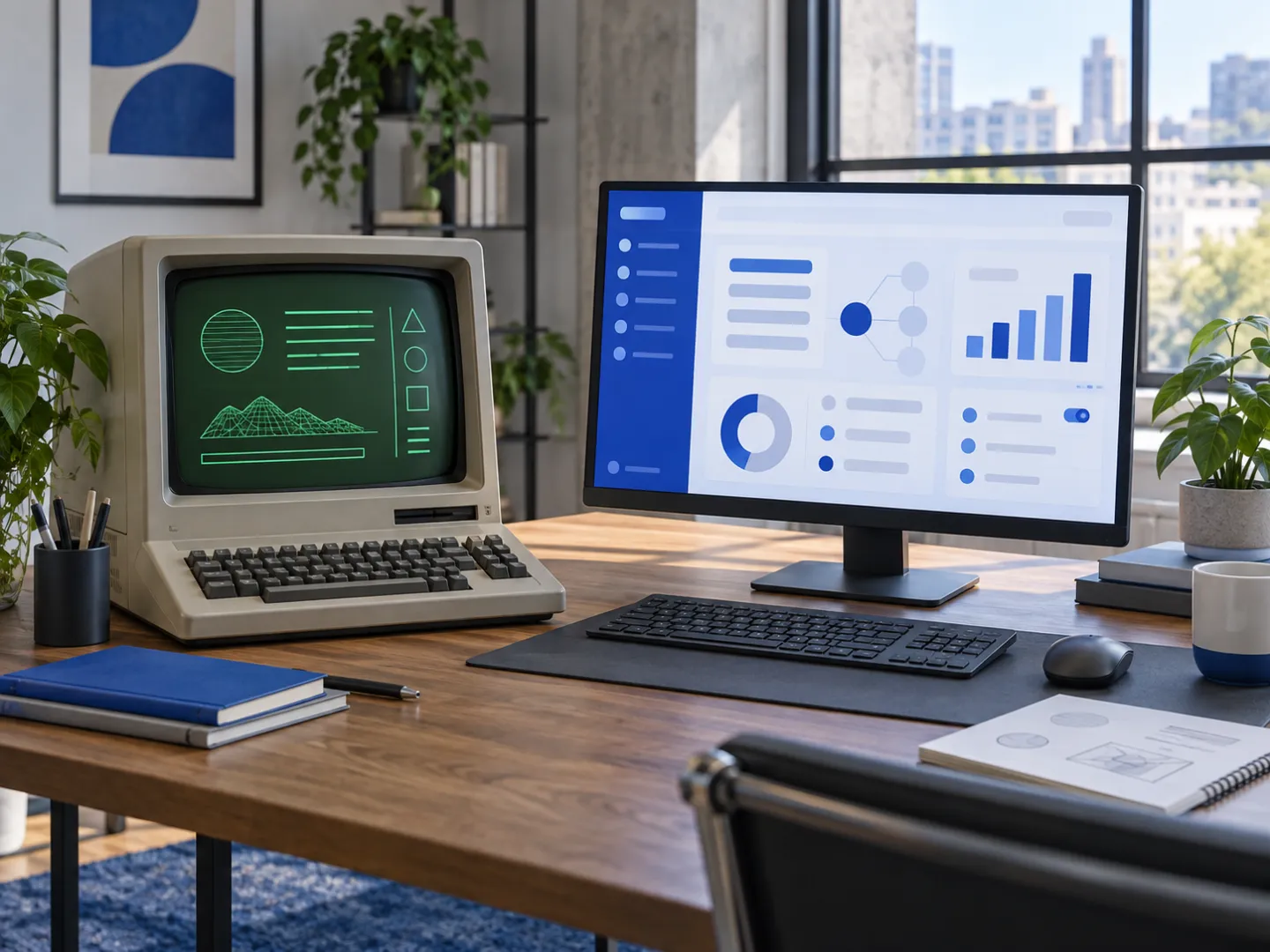
Your business probably runs on something nobody wants to touch: a desktop application from the 1990s, an Access database, a tool whose developer retired. It still works, mostly. But it has no API, it cannot run in a browser, the data is locked in, and every workaround adds risk. We replace that kind of software with a modern web application, using AI to read the old system faster and tests to make sure nothing is lost on the way.
What is legacy software modernization?
Legacy software modernization is the process of moving a business off an outdated system onto modern software while keeping the data, the rules and the work that depend on it. It can mean rehosting, refactoring, or, most often for small businesses, rebuilding the application on a current stack and migrating its data.
What are legacy application modernization services?
Legacy application modernization services cover the full path from the old system to the new one: understanding what the old software does, designing its replacement, migrating the data, and switching over without interrupting the business. A serious provider also proves the new system behaves correctly before the old one is turned off.
| Approach | What it means | When it fits |
|---|---|---|
| Rehost | Move the old software to new servers or the cloud, unchanged | The software is fine, the hardware is the problem |
| Refactor | Clean up and update the existing code | The code base is sound and the language still has a future |
| Rebuild | Write a new application that does the same job, better, and migrate the data | Old language, no API, the business has outgrown it |
| Replace with SaaS | Move to an off-the-shelf product | Your process is standard; see custom software vs SaaS |
Case study: replacing a 1990s debt-collection system
Client: a French debt-collection agency, a small business with fewer than ten employees. We do not name clients without their agreement.
The situation. The agency ran its whole business on a FoxPro desktop application from the 1990s. Monthly payouts to creditors were prepared by hand, staff worked through an unstable interface, data was re-typed between tools, and nothing could be connected to anything else because the software had no API.
What we are building. A web application that replaces the old system module by module:
- Next.js and PostgreSQL, hosted in the EU (Paris region), with row-level security in the database.
- Two-factor authentication, role-based permissions, and an audit log written by the database itself.
- Integrations designed as adapters (company registry, email, payments, e-signature, registered mail), each one running in a simulated mode until its production credentials are in place.
- A data migration pipeline that extracts and cleans records from the legacy database, scoped with the client to the years that matter.
How the work is organized.
- A written contract with a backlog of user stories, grouped into ten three-week sprints.
- One branch and one written story card with acceptance criteria per feature.
- A blocking CI on every pull request: lint, types, dependency audit, migration tests, unit and integration tests, and browser end-to-end tests on a disposable database.
- Short acceptance sessions with the client after each sprint, recorded and transcribed, with dated go/no-go decisions.
Where it stands on October 7, 2026. The first three sprints are delivered and accepted by the client; they were built in five weeks instead of the nine planned. Between August 30 and October 7, 2026, 67 pull requests were merged, and the code base holds 554 test files. Go-live is planned for the first quarter of 2027, once the remaining modules and the data migration are complete. AI-assisted features are planned for a later sprint; they are not live yet.
How AI speeds up a legacy migration
- Reading the old code. AI agents read legacy code bases in old languages quickly and produce a first map of screens, rules and data flows, which we then verify with the people who use the system.
- Understanding the data. AI helps profile old tables, spot inconsistent formats and draft cleaning rules for the migration.
- Writing the new code. AI coding agents write most of the new application, under the guardrails described on How we work.
What AI does not do is decide what the old system was supposed to do. That comes from the people who use it, written down in acceptance criteria.
Why regression tests come before the new code
Read the old system
AI maps screens, rules and data; users confirm.
Write the expectations
Regression tests describe what the business needs.
Rebuild a module
New code passes the tests, on a fresh test database.
Migrate the data
Extract, clean, check against the source.
Accept and switch
Your team signs off, then the module goes live.
A legacy system's real specification is its behavior, including the odd rules nobody remembers adding. Before we rebuild a feature, we write tests that describe what the business expects from it, and the new code is only accepted when those tests pass. The same applies to data: migrated records are checked against the source before the switch.
How many companies still use legacy systems?
There is no reliable single count, but legacy systems remain common in established businesses of every size, especially in finance, government, manufacturing and services that bought their core software decades ago. Small businesses are often the most exposed, because the original developer is no longer around.
What is legacy software used for?
Legacy software is usually used for the core of the business: accounting, billing, case or file management, inventory, production planning. That is exactly why it is hard to replace, and why the migration has to be done in stages with the old system still available.
How a modernization project starts
- A 30-minute call about the system, its users and what hurts.
- A discovery workshop and a look at the old software and a sample of its data.
- A written scope, a sprint plan and a fixed quote.
- Sprints with acceptance by your team, data migration rehearsals, then the switch.
For new software without a legacy system to replace, see custom software.